
Here in this post, you can Free Download Winter Pack Photoshop Action 2XBZAQX compress files through the below link. Turn your ordinary photos into amazing Winter Photo Effect in just two steps with these Photoshop actions Pack. in you can create beautiful photos by preparing your photos. You Can Also Download Winter’s Tale 10 PS Actions.
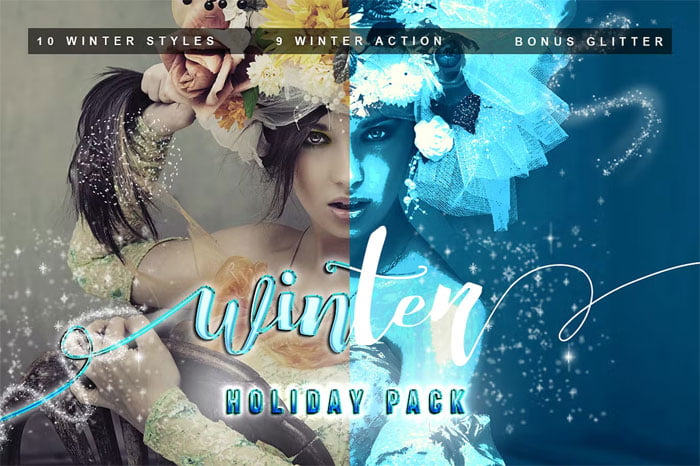
Before And After Images of Winter Pack PS Action:
Below I have shared with you (Before And After) images after applying Winter Pack PS Action. you can see those images to get a better idea before downloading. You Can Also Download 5 Professional Winter Actions + Snow Flakes Action.

Characteristics:
- 9 winter promotion
- 10 winter style
- 10 gold glitter
- 10 white glitters
How to use Photoshop Action:
- Open the image in your Photoshop
- Click play action (just one click)
- And finally quit
Caution:
- ” This action only works RGB color, other colors as CMYK does not work fully”
- Add ATN files to Photoshop program:
- Photoshop folder
- Folder Preset
- Folder Action (add in Folder Action)
Open your Photoshop and use the Photoshop action:
- Open action in your Photoshop
- and next replace file ATN
- and then action ready to use your image.
Zip File Password: freegfx4u.com






