
Here in this post, you can Free Download Polygon Effect for Photoshop LEFNWV5 compress files through the below link. Photoshop has discontinued its 3D tools, so this Photoshop action is only available in the aforementioned versions. If you need any of these versions of Photoshop, you can install multiple versions using the creative cloud. The action uses the 3D capabilities of Photoshop and an oil paint filter. Make sure you have a compatible graphics card. Learn more about Photoshop’s GPU recommendations here. You Can Also Download Low Poly Photoshop Action CS6+.
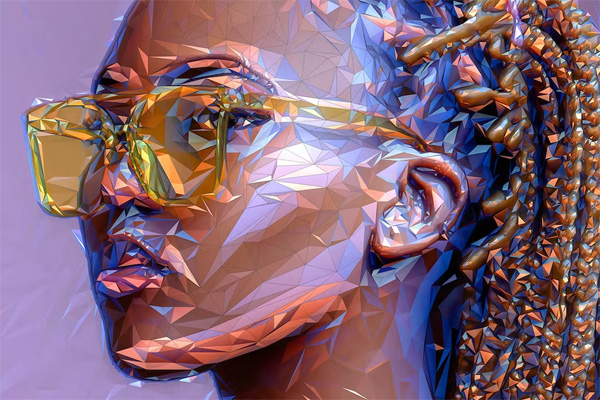
To make sure you can use Photoshop 3D, open any photo and go to the 3D menu. If the top menu item “New 3D Layer From File…” is clickable, then you are set to use Photoshop 3D. To make sure you can use the Oil Paint filter, open a photo and make sure the document’s color mode is set to RGB (go to Image > Mode to check this). Next, go to the menu “Filter > Styling”. If the Oil Paint option is available, you are set to use the Oil Paint filter. You Can Also Download Low Poly Art Photoshop Action.
Screenshot Images of Polygon Effect for PS:
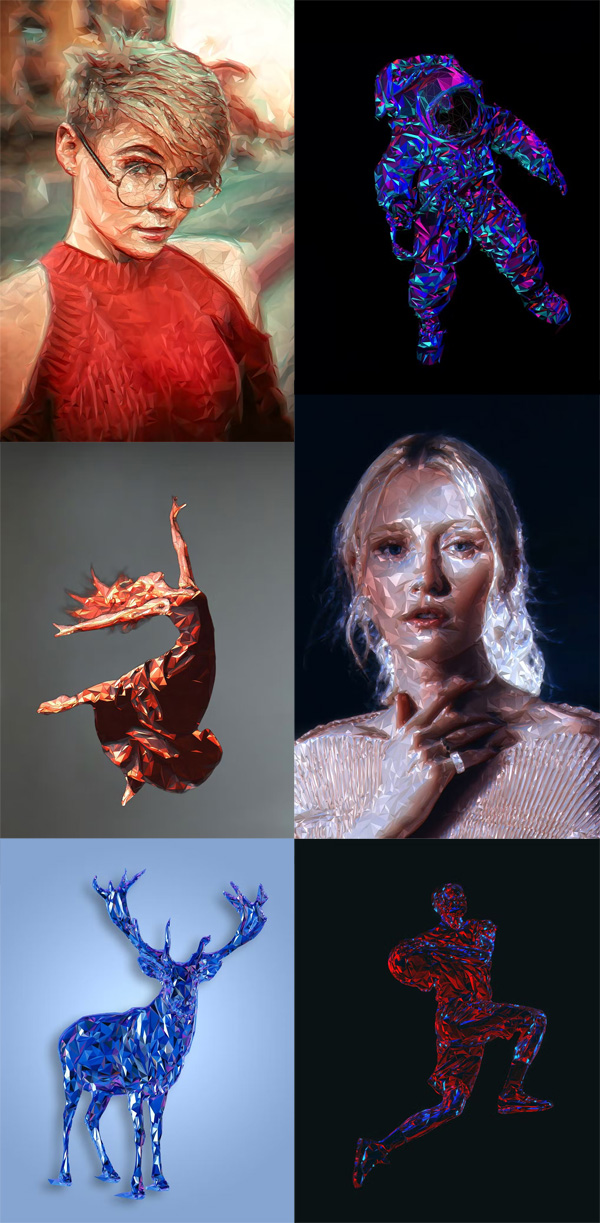
Below I have shared with you screenshot images of Polygon Effect for PS. to get a better idea before downloading.
Features:
- Light up and color your image using the colors of any photo you choose. Demonstrated at 7:05 of the video tutorial.
- Rotate the image you are using to color and light the design to any position. Each rotation will give your design a unique look. Demonstrated at 10:25 of the video tutorial
- Choose from 7 polygon detail levels
- Use and color the wireframes separately
- Control the brightness/contrast of different tonal ranges in your design
- Apply glows to the highlights of your design with just one click
- Choose from 30 color options
- Use a transparent image to apply the effect to
It is important to know:
- Make sure you are using the English version of Photoshop to run the action. All Sevenstyles actions will only work in the English version of Photoshop.
- Make sure you’re using a version of Photoshop that the action supports.
- Watch the video tutorial to make sure you set up your Photoshop file correctly. A link to the tutorial is included in the download.
- Use high resolution photos with Action for the best results and avoid mistakes. The optimal photo resolution is between 3000 and 4500 pixels.
- You can install multiple versions of Photoshop using Adobe Creative Cloud. If you like this action but it’s not supported by your version of Photoshop, you can always install an
- additional version of Photoshop to run the Action. Once an action has been tested and works on a version of Photoshop, it will always work.
- Use Jpeg images to launch the action. Other file types such as TIFF, BMP, PNG, PSD can cause performance issues because Photoshop disables different features for different file types.
- If a Sevenstyles action includes a brush (.abr), pattern (.pat), or shapes (.csh) file in the download, it must be loaded into Photoshop before the action can be played.
- Avoid using Action on Logos or clipart images, as the lack of detail and color contrast can lead to errors.
Having problems with a promotion?
- Check again that the file is set up correctly, as shown at the beginning of the video tutorial.
Check the photo resolution. If it’s a low resolution photo (<1000px), take the shortest photo length and scale it up to around 2500px or more. - A link to my support page is included in the FAQ download
- If you’re still stuck, email me a screenshot of the entire Photoshop interface showing the
- error. Please let me know which version of Photoshop you are using so I can help you faster.
- My email address can be found in the “Contact Me” section of the support page.
- Create your own effects Photo effect actions can be combined to create new effects.
Do the following:
Perform the first action on your photo.
Once you’re happy with the result, save your design as a Jpeg image.
Close the Photoshop file and reopen the image you just saved. Now run another action on your photo! After that, the second effect will be superimposed on top of the first.
Zip File Password: freegfx4u.com






