
If you have a hard drive full of raw photos and you aren’t quite sure how to make them look like the ones you see in professional galleries, this Lightroom guide is for you. I’ve always felt that while Photoshop is for heavy editing, Lightroom is where the real soul of a photo is found through color and light. It can be a bit confusing when you first see all those sliders, but having an expert guide you makes a world of difference. To keep building your skills as a photographer, feel free to browse our other video courses whenever you’re ready for the next step. This training isn’t just about moving sliders; it is about finding your own artistic style and learning the workflow secrets that professional retouchers use to stay consistent and fast with their work.
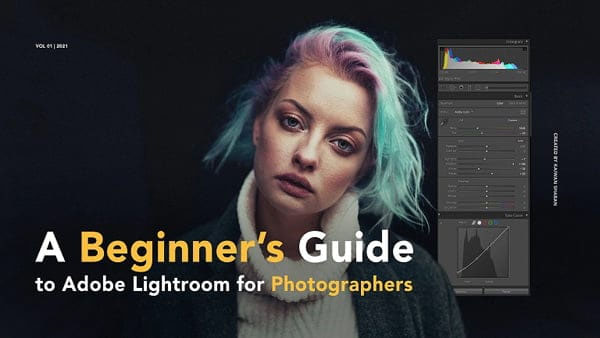
Overview of A Beginners Guide To Lightroom
This course is taught by Kaiwan Shaban, who has been working as an international photographer and retoucher for over eight years. He doesn’t just stick to the basics; he actually reveals the secret tricks he has used throughout his career to develop a unique look. You will learn how to navigate the entire Lightroom interface, from importing your first batch of images to mastering the advanced color grading tools. One of the most interesting parts of this class is the section on presets—not just how to make them for yourself, but actually how to package and sell them to make a profit from your own editing style.
Speed is everything when you have hundreds of photos to get through, so Kaiwan also focuses heavily on the essential keyboard shortcuts. These small tips might seem simple, but they will save you hours of clicking around menus in the long run. By the end of this training, you will have a solid handle on how to turn a flat, boring photo into a high-end masterpiece.
Main Features
- Step-by-step training on both basic and advanced Lightroom tools.
- Insights from an international photographer with 8+ years of experience.
- Learn the secret retouching tricks used to create a signature style.
- Detailed guide on creating your own custom Lightroom presets from scratch.
- Practical advice on how to sell your presets and make an extra profit.
- Essential keyboard shortcuts to significantly speed up your editing workflow.
- Master the develop module for professional color correction and grading.
- Learn how to manage large libraries of photos without getting disorganized.
- Tips on achieving consistent looks across an entire photo session.
- Perfect for beginners who want a direct path to professional-looking results.
Zip File Password: freegfx4u.com
Conclusion
This Lightroom course is a fantastic shortcut for any photographer who wants to stop guessing and start editing with confidence. Kaiwan’s professional experience and tips on selling presets add a ton of value that you won’t find in basic tutorials. Download it today and start giving your photography the professional finish it deserves.






