
Here in this post, you’ll get a free download link to the Premium CreativeMarket – 52+ Butterflies Photo Overlays 6414950 compress file from below. There is the set of which helps you to work easier. You Can Also Download 43 Rainbow Photo Overlays 2.0.
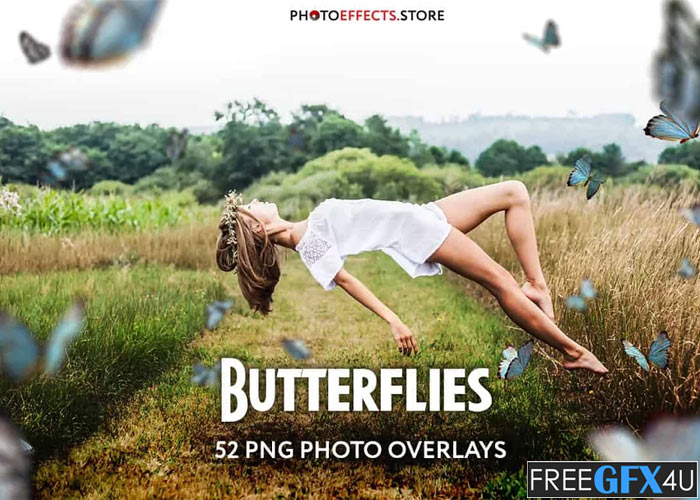
Screenshots of CreativeMarket – 52+ Butterflies Photo Overlays:
Below I have shared with you some screenshot images of 52+ Butterflies Photo Overlays to get a better idea before downloading.
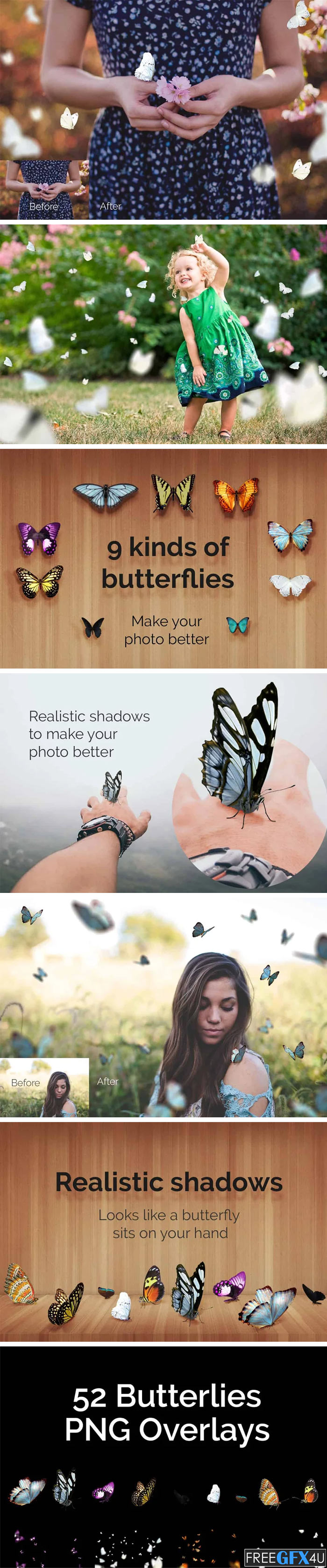
DETAILS & SPECIFICATIONS Of 52+ Butterflies Photo Overlays Set:
- 52 PNG files
- Width 3000 px
- 2 PSD sources to make own overlays.
- Finish download and make perfect photos for customers.
PLEASE NOTE:
- After complete downloading of the archive ‘009-PRO. 52+ Butterflies Photo Overlays.zip’ will be downloaded to the ‘Downloads’ folder or the one you selected.
- Unzip the archive into a folder. Do not be discouraged if the folder images with a black background. There is a Screen Blend Mode that allows you to remove the black background by displaying only objects in Photoshop.
- Open Photoshop, open an image that you will apply, and follow one of the ways below.
INSTRUCTIONS:
There are 3 ways to apply photo overlays:
- 1st – using Overlay Actions (include)
- 2nd – using Quickstart PSD course (include only in PRO version)
- 3rd – standard, Drag’n’Drop method.
1ST WAY: OVERLAYS ACTION:
- This method is more progressive because it allows you to quickly apply overlays from any folder, even from other sellers. In the settings of the action, you can set the hotkey F3 (for example) so that in one click you call this action.
- Double-click on the ‘Overlay Actions.atn’ file to load it into Photoshop. Once installed, please access the Actions panel within Photoshop by clicking on ‘Window Actions’. There are 2 actions: JPEG and PNG Overlays. The difference between Overlay Action JPEG and Overlay Action PNG is that JPEG applies the Screen Blend Mode.
- Find ‘Overlays Action and press Play action what you need.
- The Photoshop dialogue box opens and prompts you to select the file. Click ‘Continue’ and find the folder you unzipped and select the image you like. This image will immediately get into your Photoshop file where the photo is open.
- Scale, rotate or reflect the overlay if you want.
- Press Cmd (Ctrl) + Enter and the action will create a layer mask and two adjustment layers. If necessary, apply a black brush on the layer mask to hide the image where necessary, and in the correction layers, adjust the color or Levels so that the overlay looks appropriate for the photo.
- Save the image and show your customers, they will be pleasantly surprised by the result.
2ND WAY: Quickstart PSD COURSE:
- This method allows you to work in a photoshop file, where you can select the overlay you like, making the layer visible. This is convenient because you can see it in the thumbnails of the layers of the image, but it’s inconvenient that in some versions of Photoshop the file may not open properly. This function is optional and is supplied as is.
3RD WAY: DRAG’N’DROP:
- 3.1 Drag from the folder any image and place it in a Photoshop file. For images with a black background, apply the Screen Blend Mode. To change the blend mode, double-click on the layer, the layer styles window will open. Change the blending mode and proceed to the next step. For overlays with a transparent background, you do not need to do anything. 3.2 Scale, transform, lower the opacity or add a Layer Mask and Paint on Your Overlay if necessary.
SOMETHING MORE:
- Compatible with any software which works with layers (Photoshop CS5+, Photoshop Elements, Paint Shop Pro, etc.) Not for Further Distribution. This listing is a digital download. No physical product will be shipped.
Photoshop PNG, ATN, PSD, PDF Files Format | File Size 202 MB
Winrar File Password: freegfx4u.com






