
In this beginner-friendly 3D Blender tutorial, you’ll learn how to create a cute cartoon bumblebee animation from start to finish. This course is perfect for beginners who want to explore 3D animation without feeling overwhelmed. Step by step, we’ll guide you through modeling, shading, animating, and rendering your very own cartoon honeybee using Blender, the free and powerful 3D software.
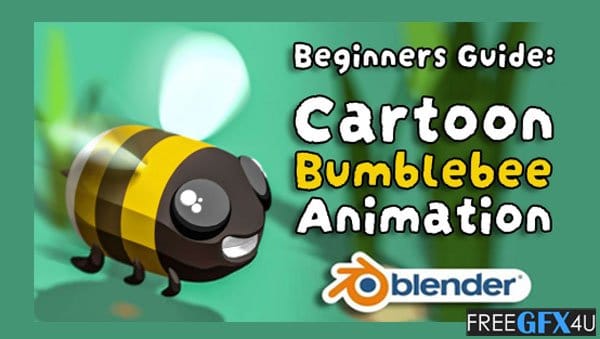
We’ll go through every step carefully so that you won’t miss anything or feel lost. By the end of this tutorial, you’ll have a charming cartoon bumblebee animation ready to share online or with friends and family.
What You’ll Learn in This Cartoon Bumblebee Animation Class
- Blender Interface and Tools: Get familiar with Blender’s interface and basic tools while creating your cartoon bumblebee.
- Modeling: Use simple modeling techniques and modifiers like mirroring and subdivision to shape your bumblebee and environment.
- Lighting: Set up basic sunlight to highlight your cartoon-style shaders and give your scene depth.
- Shading: Learn how to create colorful, stylized cartoon materials for both the bumblebee and its surroundings.
- Animation: Animate your bumblebee with easy keyframing and cycle modifiers to make it fly smoothly.
- Rendering: Render your final animation as a video file or GIF, ready to share on social media.
What You’ll Create
By the end of this tutorial, you’ll have a delightful looping cartoon bumblebee animation. You can share it as a fun video or an animated GIF with friends, family, or online audiences. This project is a perfect introduction to 3D animation in Blender and a fun way to bring your ideas to life.
Tip for beginners: Blender is free and powerful, so the only thing you need is a computer capable of running it. Follow the steps carefully, practice each part, and soon you’ll be creating your own 3D animations with ease!
Zip File Password: www.Freegfx4u4u.com






