
Here in this post, you’ll get a free download link to the Premium Underwater Text Logo Effect 4244107 compress file from below. High-Resolution Template for creating underwater Scenery. You Can Also Download Glossy Holographic Text & Logo Effects Collection.
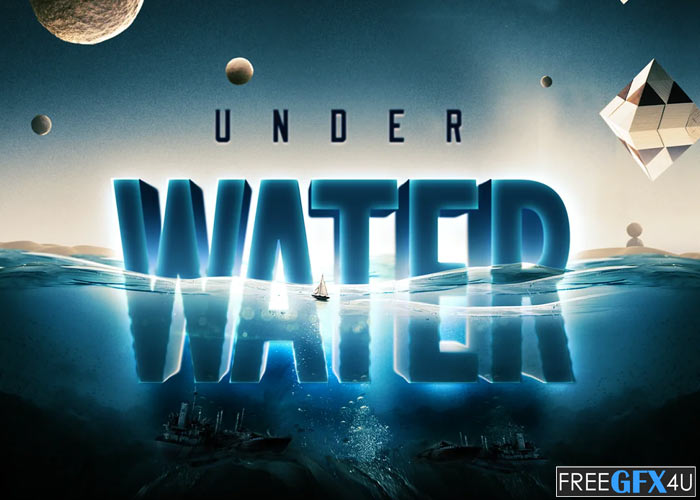
Screenshots of CreativeMarketUnderwater Text Logo Effect:
Below I have shared with you some screenshot images of the Underwater Text Logo Effect to get a better idea before downloading.

Incredibly Easy To Use:
- Just in a few clicks place your logo or text inside the Smart Object and you’ll get this look on it.
How To Apply This Effect On Your Text Or Symbol:
- Open one of the provided templates in .psd format
- Open the Layers Panel (WindowsLayers Panel)
- Look for a Red Layer (Smart Object)
- Right Click on this Smart Object indicated in Red and choose “Edit Contents”: it will open a new document where we place our text or symbol.
- Place your Text or Symbol in this just opened Document, Close it and Click Yes when asked to Save.
- After a brief moment, your content will be placed.
Photoshop PSD Files Format | File Size 66.5 MB
Zip File Password: freegfx4u.com






